As you work on a unit or course, the status will update throughout the process.
Course Status
Your course status can be found by clicking View All Courses on your dashboard.
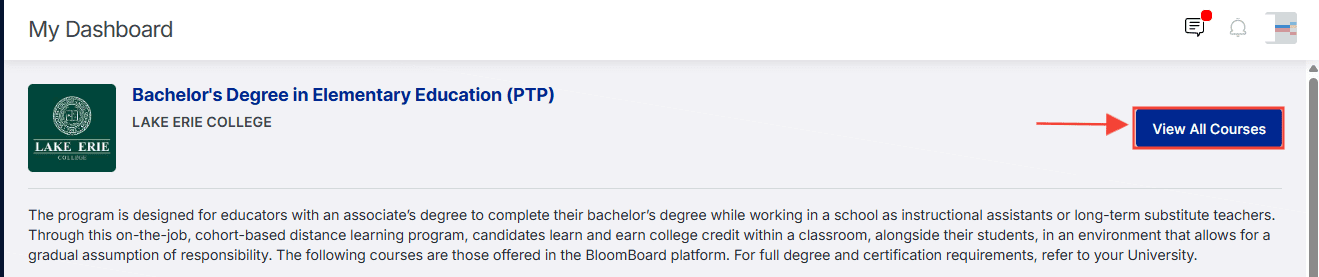
From there, you can view the status of all of your courses. You'll see the following statuses:
- Not Enrolled
– You have not yet been given access to this course.
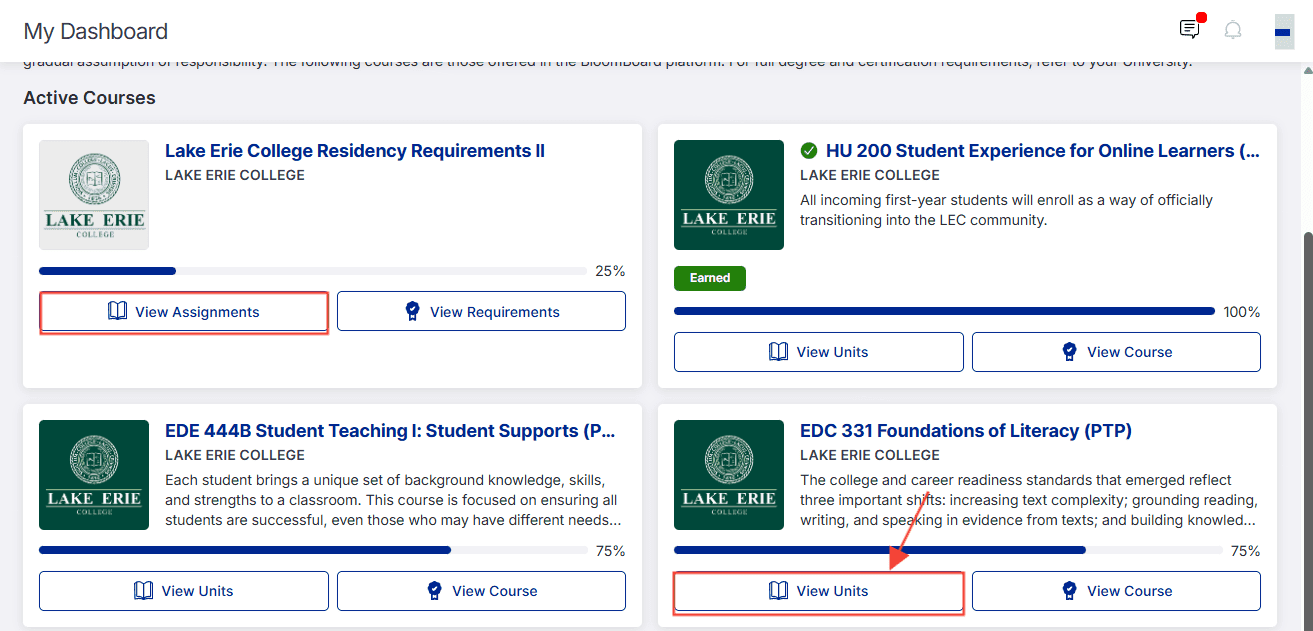
- Progress bar
– You'll see a progress bar for courses where you have started one or more units. It will display a percentage of how far you have progressed.
- Earned
– You have submitted and earned the entire set of units within the course.
Unit Status
Unit status is found by navigating to the course from your dashboard and selecting View Units or View Assignments. You can also navigate directly to the unit by clicking on the unit tile from your profile.

- Not Started – You have not yet started any work on the unit.
- Started - You clicked the Start button, but have not yet begun work on a Learn activity, typed any evidence into the artifact submission, or uploaded a file.
- Learning – You are working on a Learn activity, but have not yet uploaded evidence for an artifact.
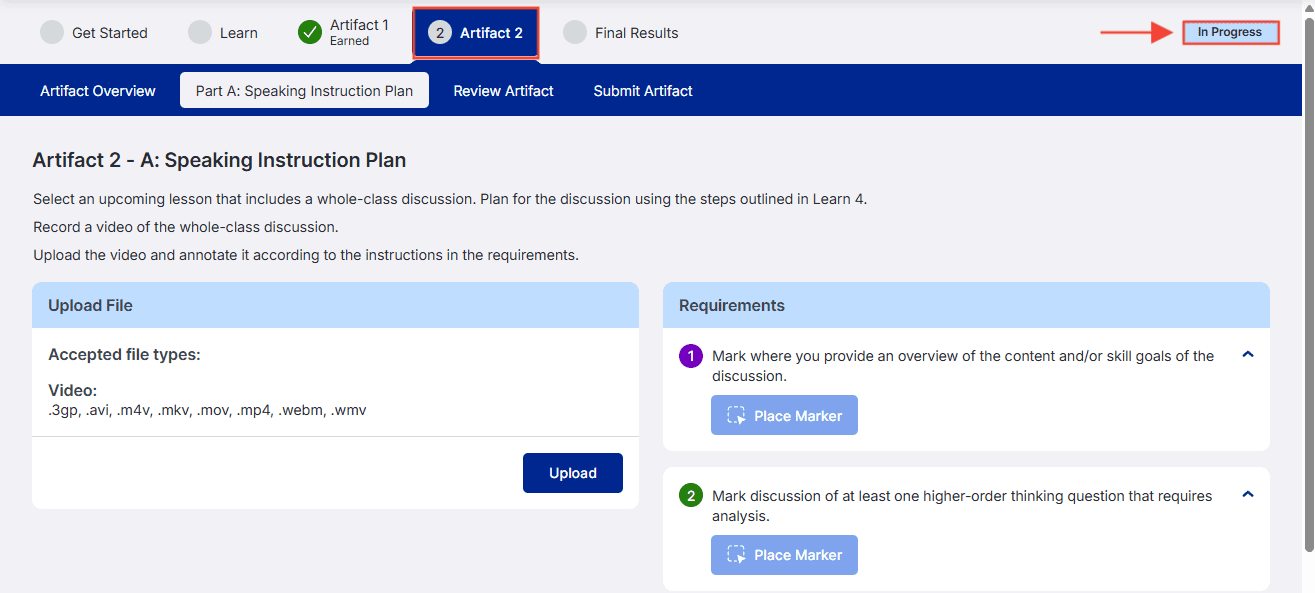
- In Progress - You have uploaded at least one piece of evidence for at least one artifact or unit requirement.
- Submitted – You have submitted your portfolio (all artifacts) and are awaiting review.
- Not Yet Earned - Your submission has been assessed as not earned because it did not meet one or more of the Requirements. Feedback was given by the assessor.
- Earned - All artifacts within the unit have been submitted and earned. Overall feedback, as well as artifact feedback, was given by the assessor.
Artifact Status:
Individual artifact status can be viewed by opening the unit and viewing the tab for that specific artifact.
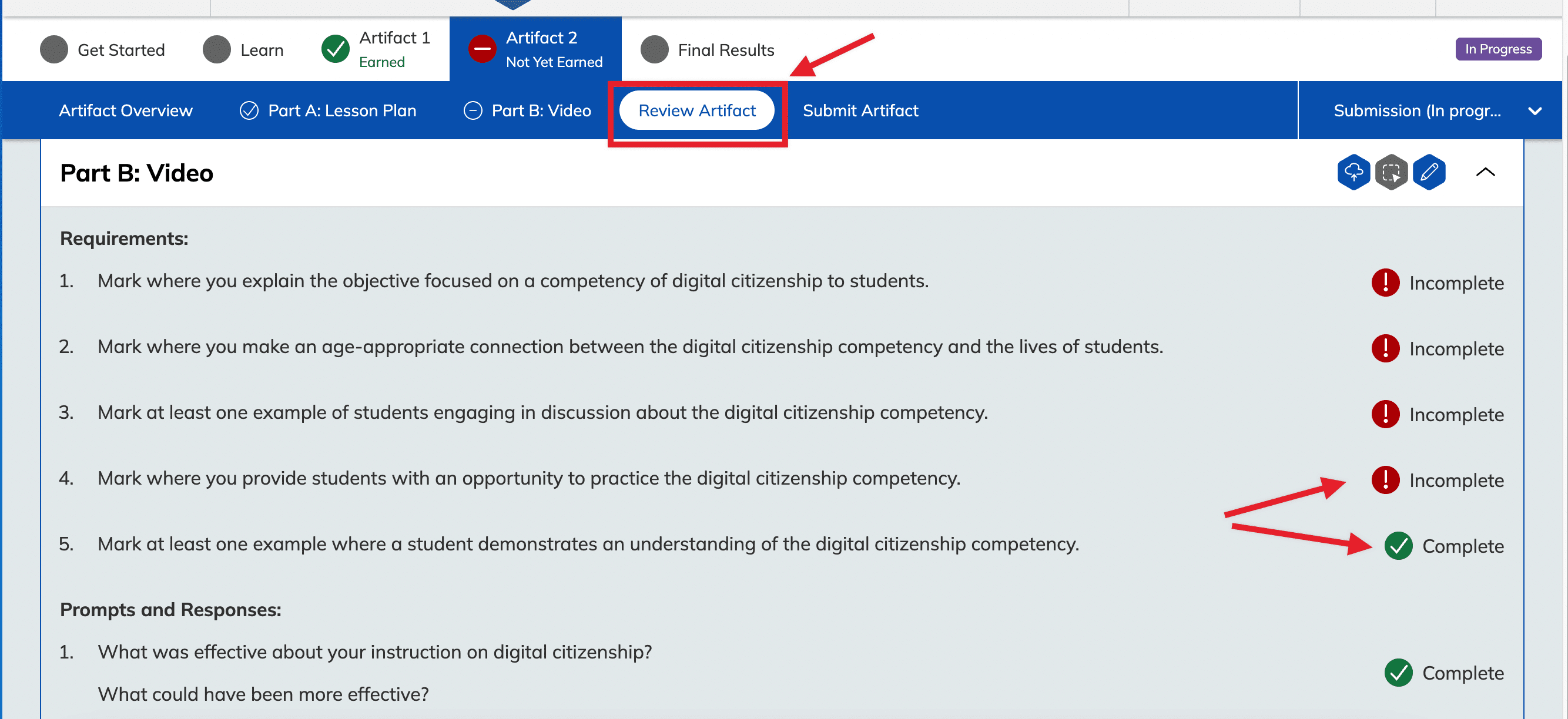
Participants can also navigate to the Review Artifact tab to see which artifact requirements are Complete or Incomplete.