Coaches and Faculty can preview each unit in the course that their participants are completing.
To get started, navigate to my.bloomboard.com and click on Cohort Dashboard.
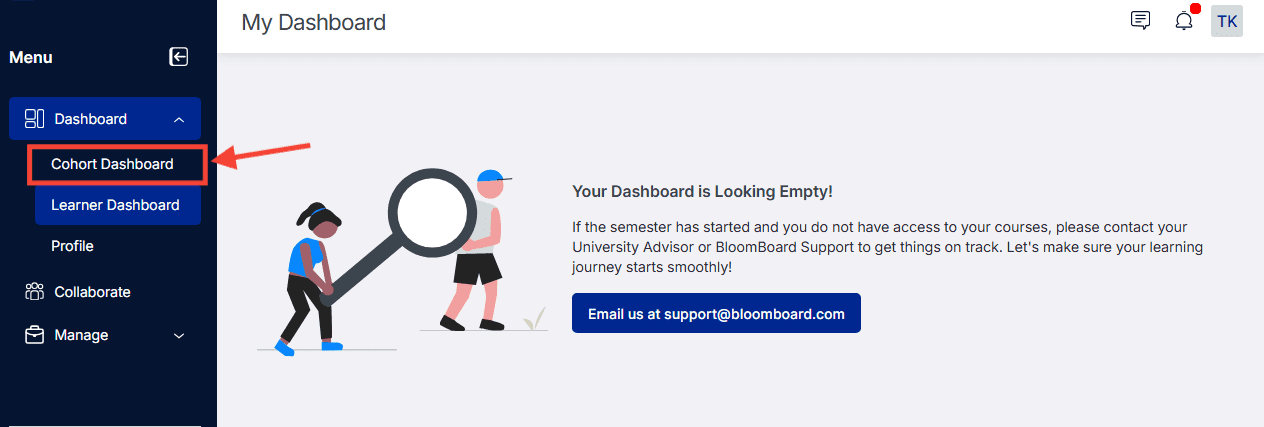
Depending on your role, you can use the drop-down filters to choose an organization and then the section you would like to preview.
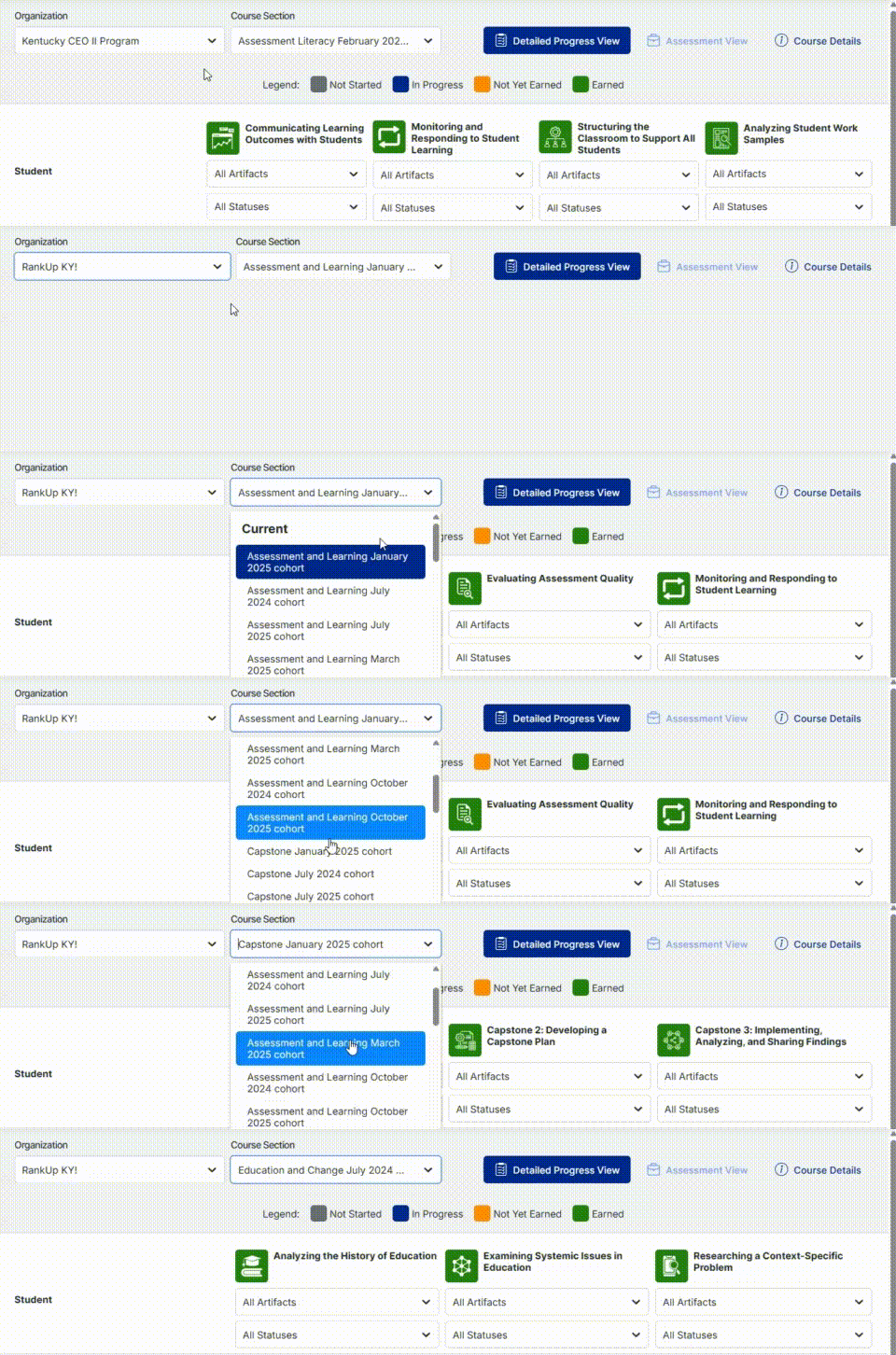
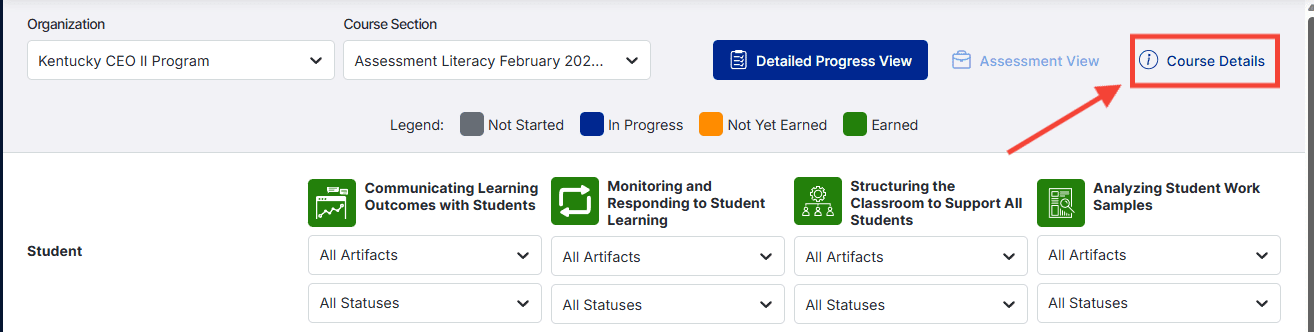
- Click the Course Details option in the upper-right-hand corner
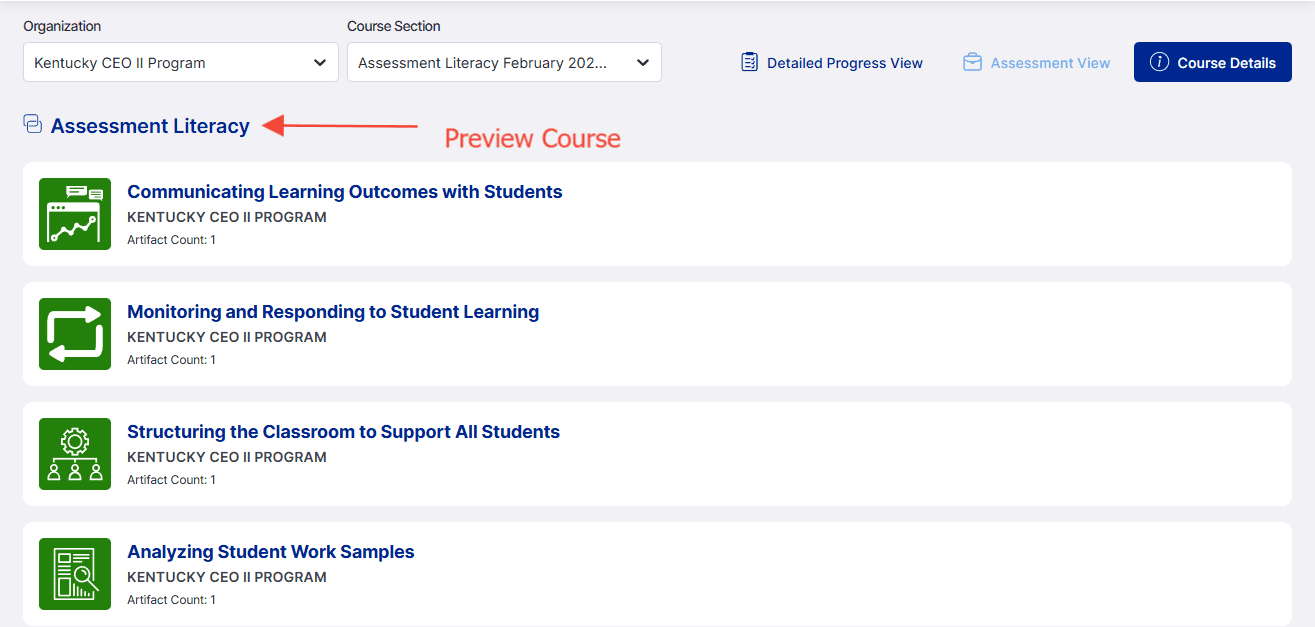
- Click the blue title of the course to preview the course. Here you can see an overview and included artifacts for the entire course on one page.
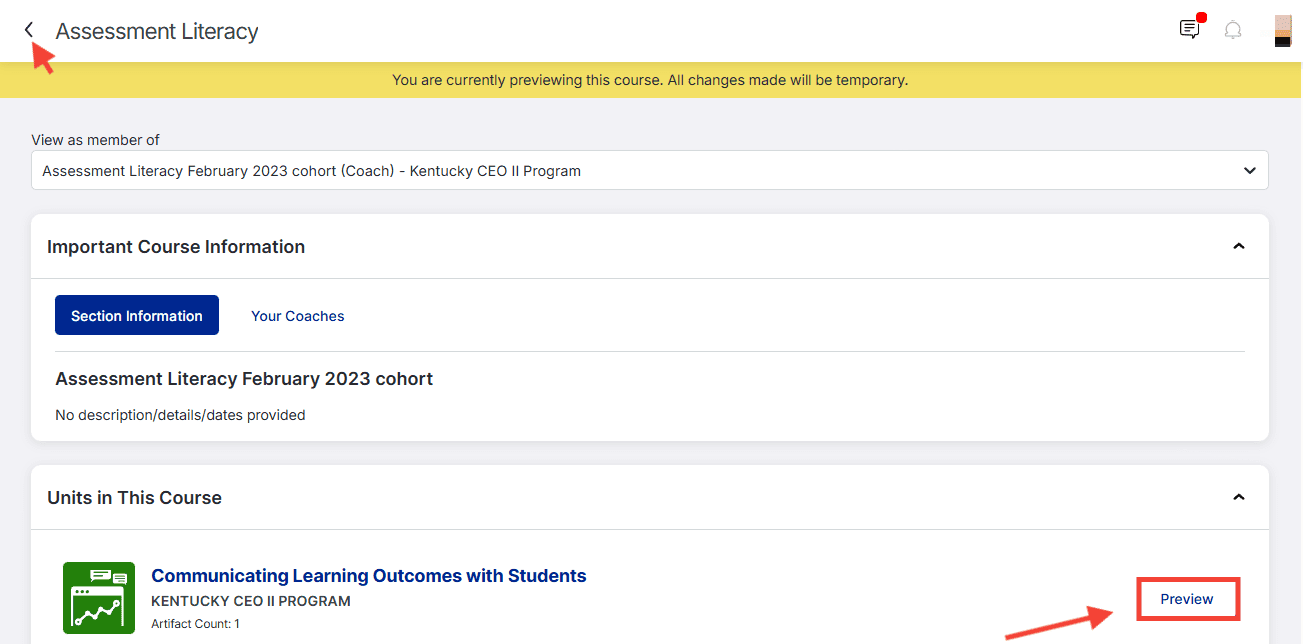
- To view an individual unit, click the blue Preview button.
Click the back arrow in the upper left corner next to the title of the course to return to the Cohort Dashboard.
Click here for more information about the Course page.