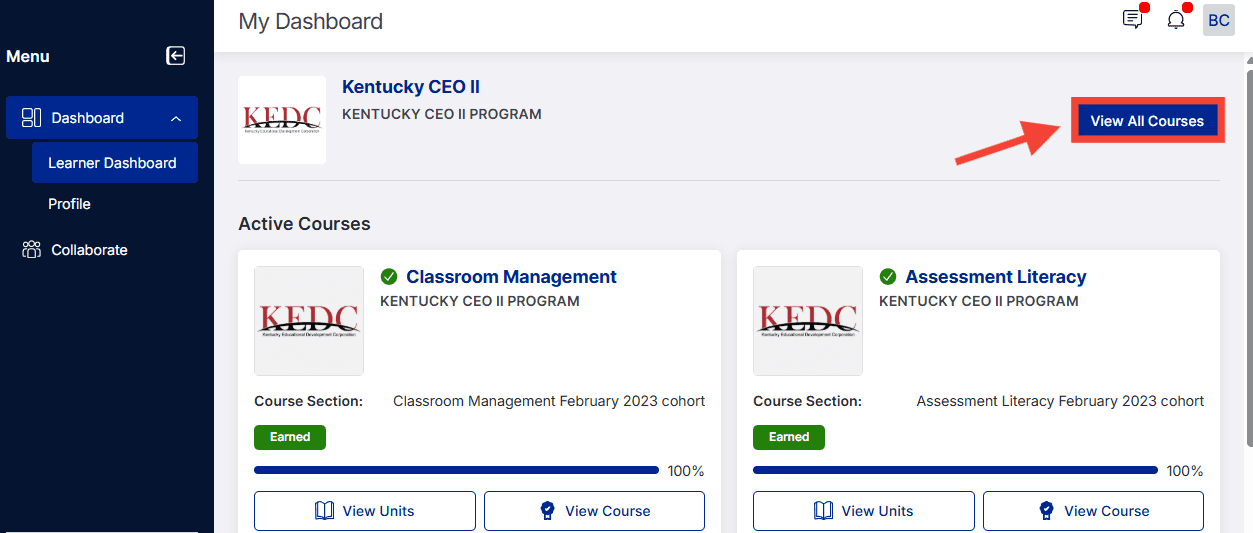
Your Learner Dashboard is the first view that you will see upon logging in. From there, you can access your Profile, view your courses/units, access the Collaborate space, and more.
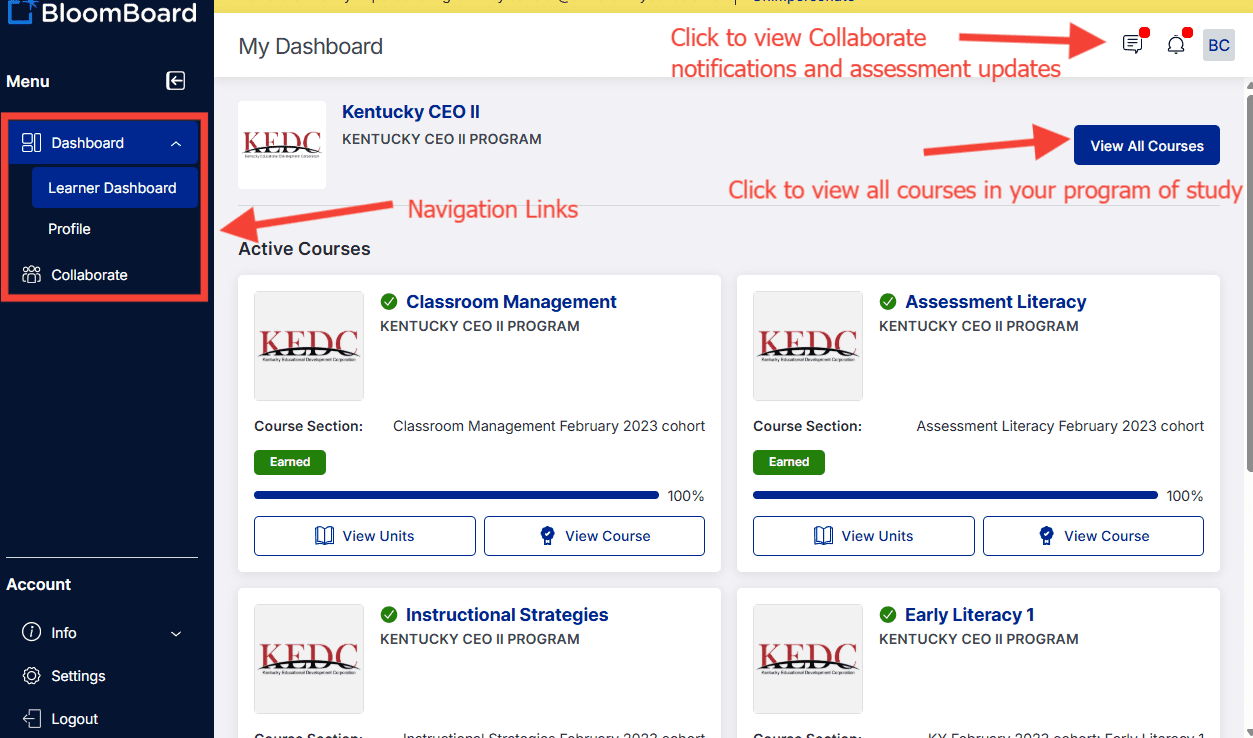
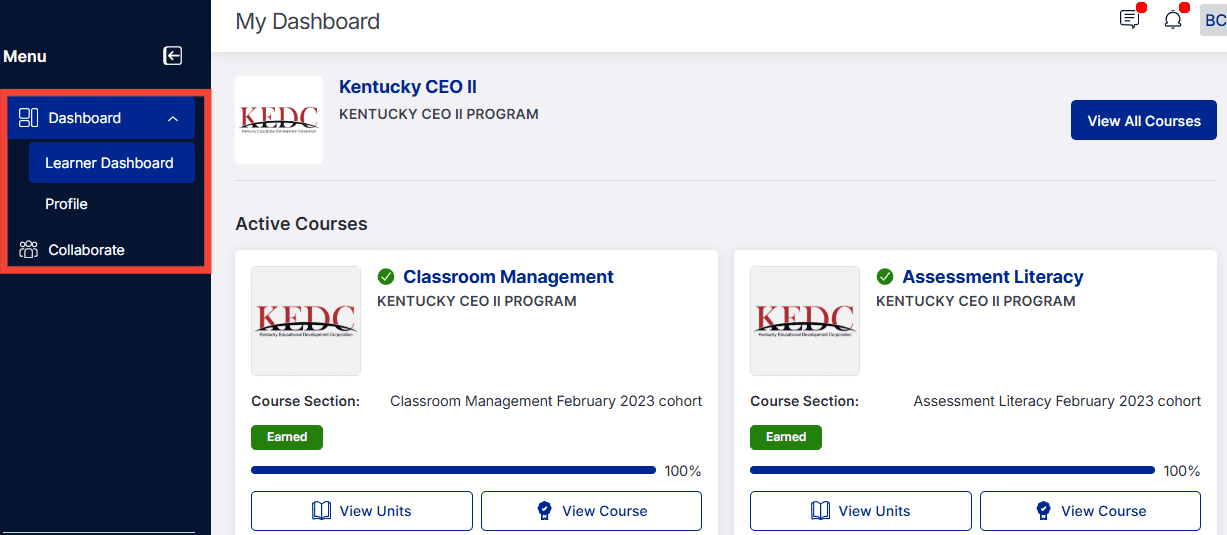
In the upper-left-hand panel, you can navigate between your Profile, the Learner Dashboard, and the Collaborate space. More info about the Collaborate space can be found here.
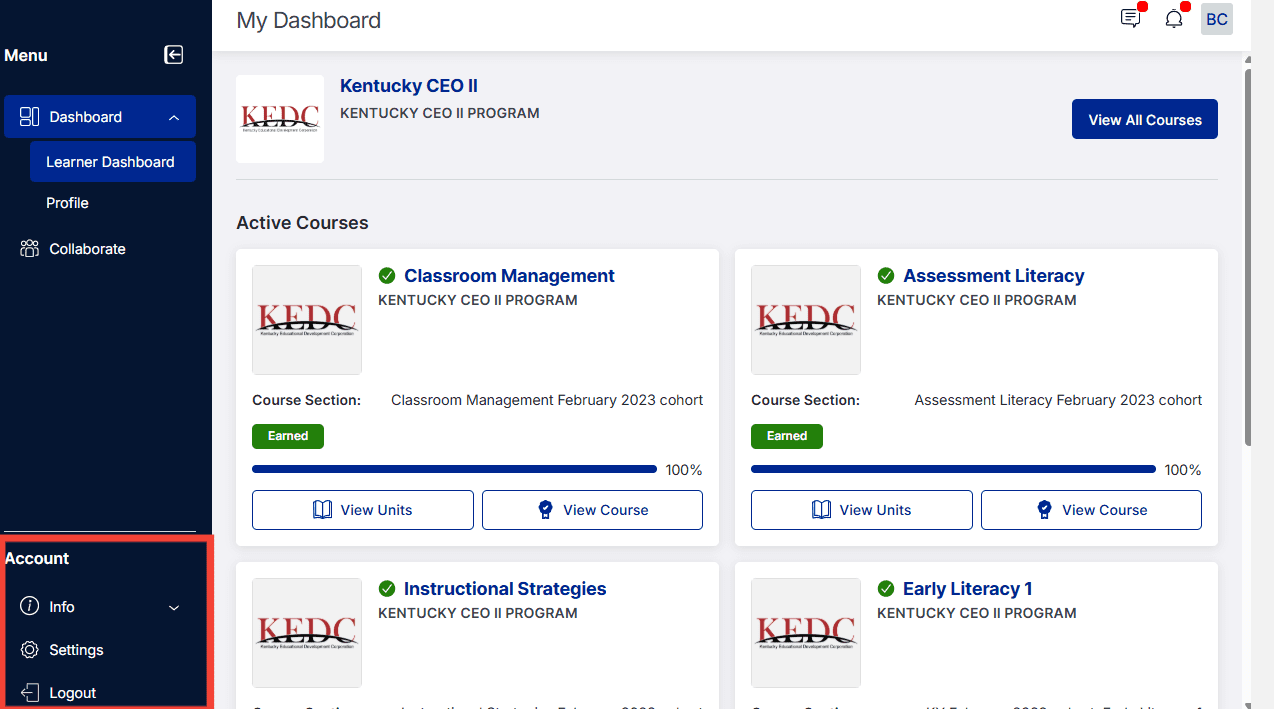
From the lower-left-panel, you can access the Info section (Contact BloomBoard Support, view our Privacy Policy, Terms of Use, and Release Notes), Settings, and Logout.
You can also access all of your course and unit information. You'll first notice your Active Courses, but you can also view your inactive courses from the View All Courses button in the upper right-hand corner.
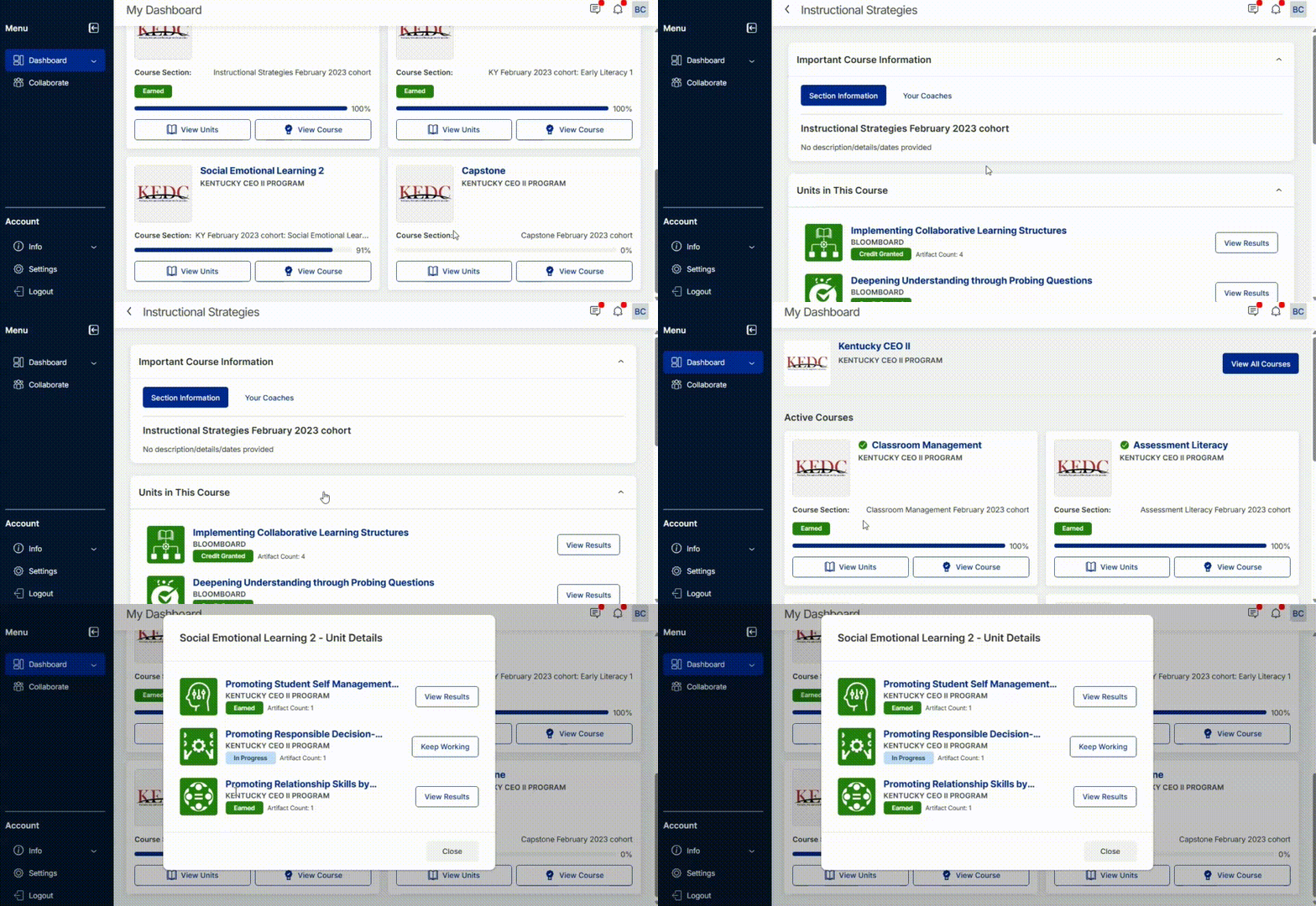
You can view the following article for more information about the Active Course Page.
This article will provide more information about accessing prior and inactive courses.